

5 inch LCD TFT Touch Screen HDMI Display 800*480 for Raspberry Pi
5 inch LCD TFT Touch Screen HDMI Display 800*480 for Raspberry Pi
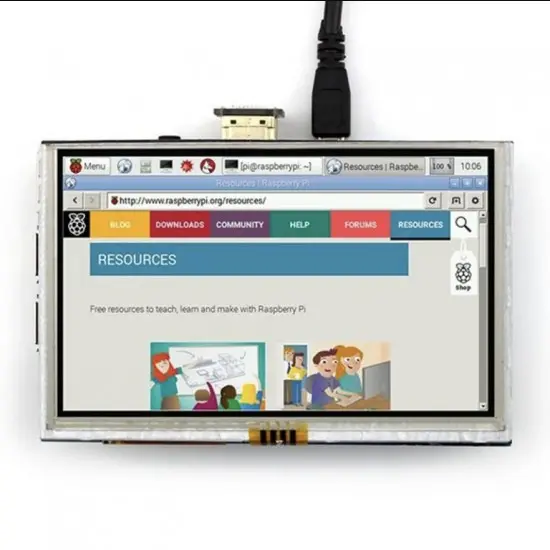
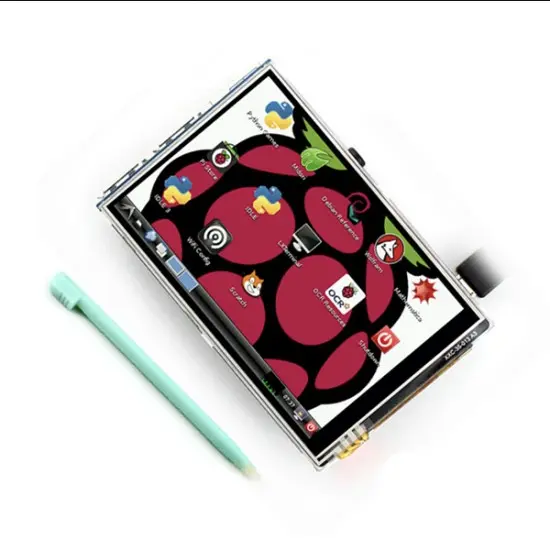
5 inch LCD TFT Touch Screen Display 800*480 for Raspberry PI is a fantastic 5 inch HDMI LCD display with USB touch screen compatible with almost all the operating systems on the market. Utilizing pre-existing Linux/Windows/Mac drivers, this 800 x 480 touch screen will help you hit the ground running. Resistive touch function gives the user full control over any device.
It supports Windows XP SP3, Windows 7, Windows 8, Windows 8.1, Windows 10, Android 4.2, Windows CE7, Ubuntu and Debian. With the built-in EDID device information, your equipment will get identified in no time. Meanwhile, its USB touch can fulfill the functions of the right mouse button and drag and drop.
With the special design power circuit for this display, it requires less than 150mA current to get it running with perfect performance. When you do not need the touch screen function, all you need is to plug a HDMI line to get it work.
This 5 Inch Touch Screen HDMI Interface TFT LCD Module is a mini panel-mountable HDMI monitor. Small and simple, yet you can use this display with any computer that has HDMI output, and the shape makes it easy to attach to an electronic product.
Features :
- Compatible with Raspberry Pi-3
- Good touch response
- Large viewing angle
- Fast response time
- Support backlight control alone
- Not only for Raspberry Pi
- Not only for mini-PCs, but it can also work as a computer monitor
- USB Resistive Touch Control
- Plug and Play, No Driver Needed
Specification:
|
Driver IC |
ILI9486L |
|
Touch Type |
Resistive |
|
Input Voltage (V) |
5V @1A |
|
Working Current |
Less than 150mA |
|
Pixel Resolution |
800 x 480 |
|
PCB Size (mm) |
120×80 (LxW) |
|
Display Size |
5'' |
|
HDMI Input |
Yes |
|
Dimensions |
133mm x 76mm x 7mm |
|
Weight(gm) |
120 |
Package Includes:
- 1 x 5 Inch HDMI Touch Screen Display
- 1 x Touch Pen
Technology Support:
- When you use this display with a Raspberry Pi, please edit config.txt to set the HDMI to the native 800x480 in case it doesn't detect the resolution properly.
- The easiest way to edit the config.txt is to put the Pi TF card into an everyday computer and edit config.txt with any text editor. Save it and it is ready to rock.
Useful Links:
Based on 1 customer ratings
No customer reviews yet
Have you used this product? Share your experience with other builders!
People Also Bought
Related products
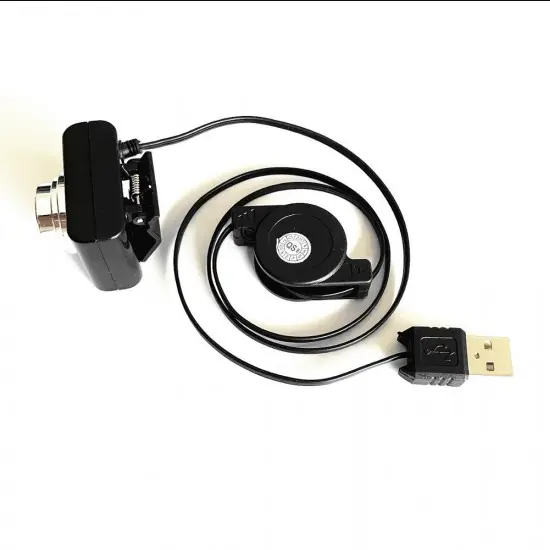
Cable Collapsible 8 Million Pixels 8MP USB Camera for Raspberry Pi
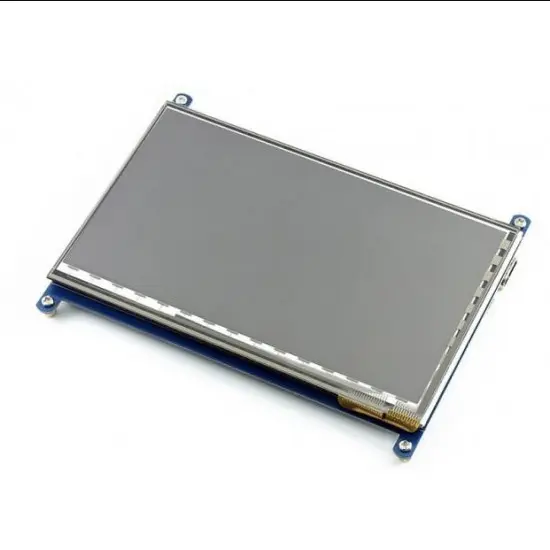
Waveshare 7inch Capacitive Touch Screen LCD 1024X600 HDMI interface
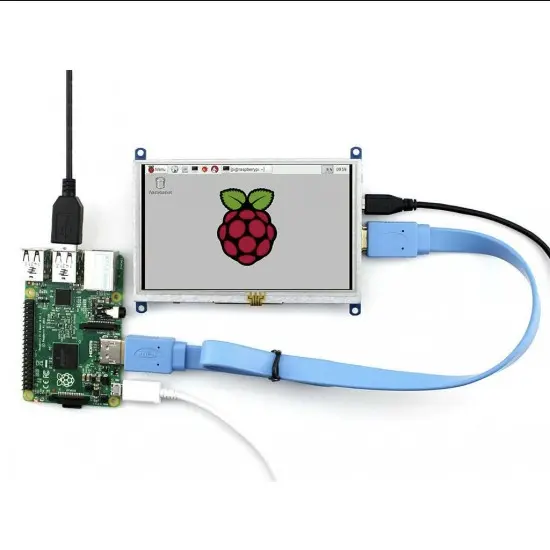
Waveshare 5inch HDMI 800X480 Resistive LCD Touch Screen Display for Raspberry Pi
Waveshare 3.2 inch TFT Resistive Touchscreen Display for Raspberry Pi
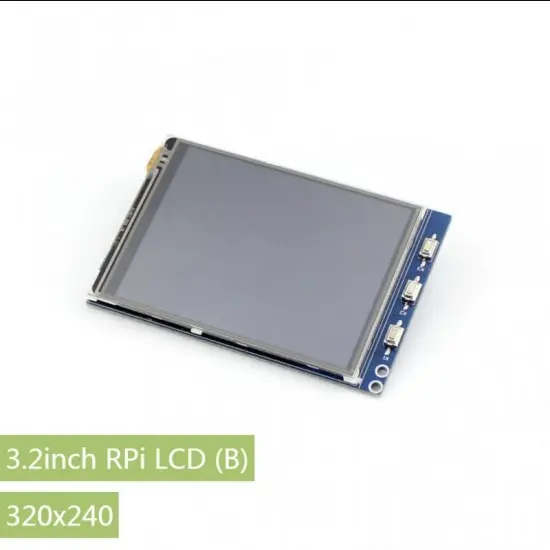
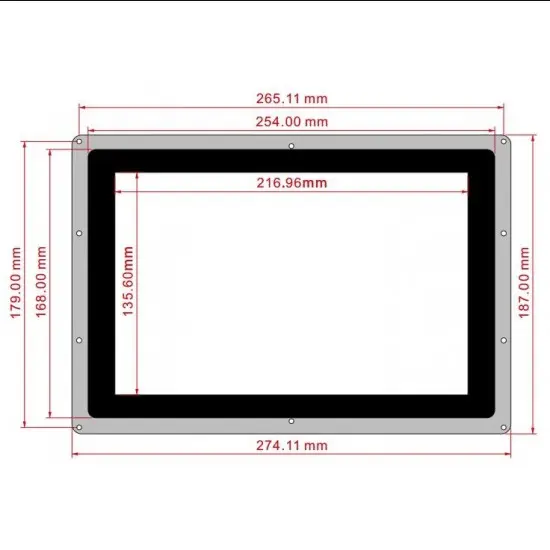
Waveshare 10.1inch HDMI LCD Capacitive Touch Screen Display with Case for Raspberry Pi
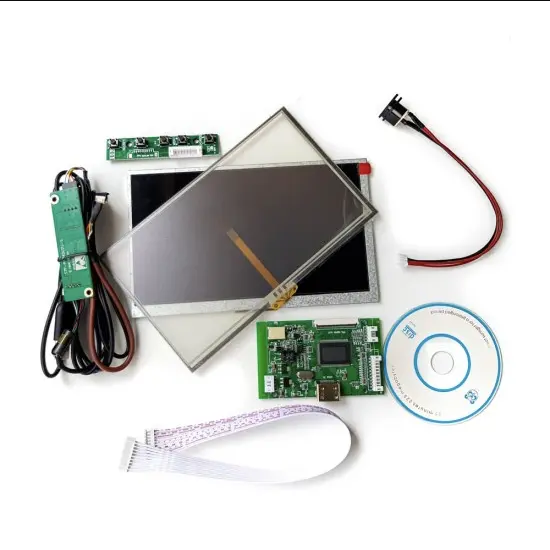
7 Inch LCD Touch Display With HDMI Driver Board Kit For Raspberry Pi
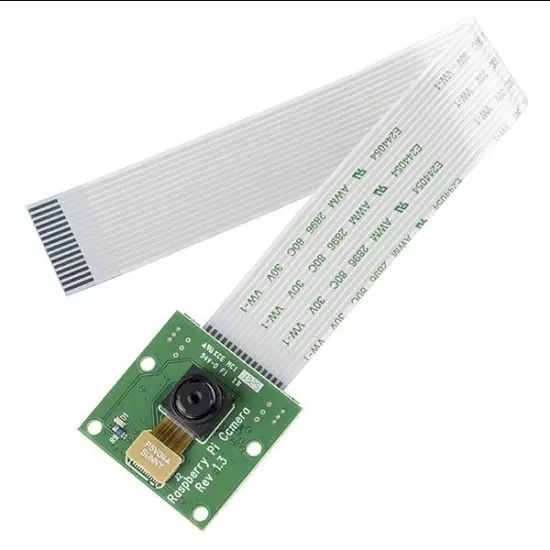
5MP Raspberry Pi Camera Module with Cable v1.3
3.5 inch TFT Resistive Touch Screen Display for Raspberry Pi
Trending Products
Special Offers
Heat Shrink Sleeve 60mm Black 1meter Industrial Grade (HST)
SN390 Adjustable Printed Circuit Board Holder Frame PCB Soldering Assembly Stand Clamp
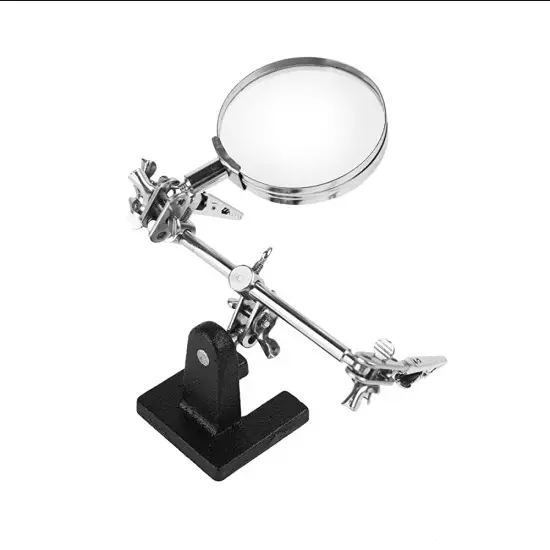
Multipurpose Precision Welding Soldering Machine Iron Stand with Magnifying Glass ( Helping Hands)
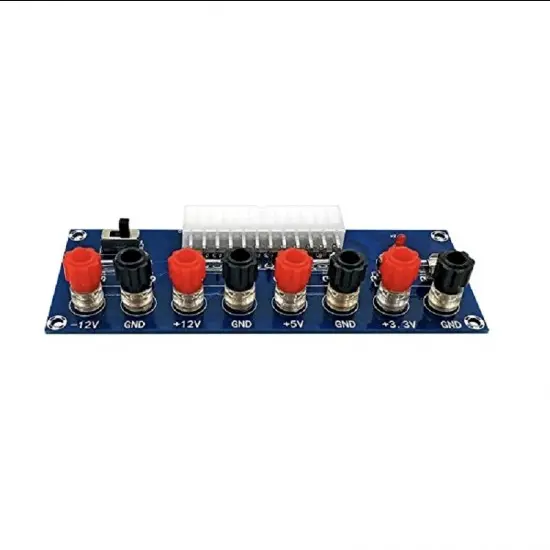
XH-M229 Desktop PC ATX Power Supply Transfer Module
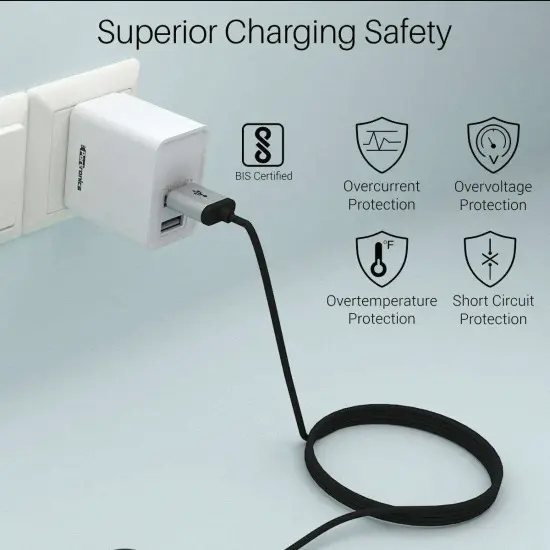
Portronics Adapto 648 POR-648, 2.4A Quick Charging Dual USB Port with 1M Micro-USB Charging Cable (White)
Customer Reviews
No reviews yet — be the first!
Share your experience
Login to write a review for this product
No reviews yet. Be the first to review this product!