
Introduction
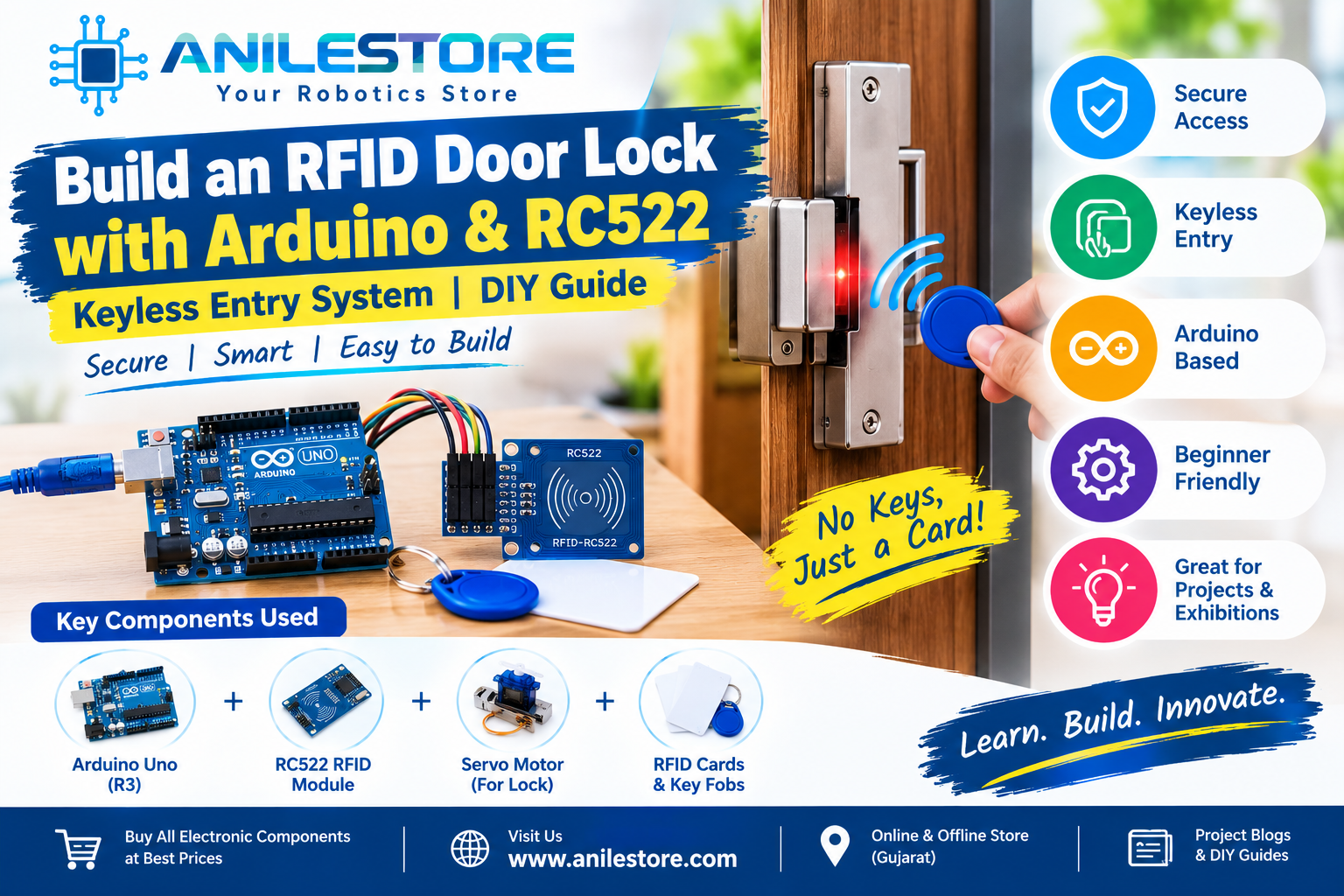
What if you could unlock a door just by tapping a card or key fob — no keys, no PIN, no app required? With an RC522 RFID reader, an Arduino Uno, and a servo motor, you can build your very own keyless entry system in an afternoon.
RFID (Radio Frequency Identification) technology is everywhere — in metro cards, office access badges, hostel entry systems, and library books. In this project, you'll learn exactly how it works and build a working door lock prototype that accepts or rejects cards based on a pre-programmed whitelist of authorized UIDs.
This project is ideal for college mini-projects, home security demos, science exhibitions, and IoT learning. All components are available at Anil Electronic Store, Ahmedabad, with same-day dispatch.
What You'll Build
- A fully working RFID-based door lock prototype
- Authorized card/tag → servo rotates to unlock (green LED + buzzer beep)
- Unauthorized card/tag → servo stays locked (red LED + long buzzer tone)
- LCD display shows "Access Granted" or "Access Denied" message
- Easily add or remove authorized UIDs in the code
- Total build time: ~1.5 to 2 hours
How RFID Works
Every RFID card or key tag contains a tiny microchip and antenna. The RC522 reader module emits a 13.56 MHz radio frequency field. When an RFID card enters this field (within ~3–5 cm), the card's chip powers up wirelessly and transmits its unique UID (Unique Identifier) — a 4 or 7 byte code that is different for every card in the world.
The Arduino receives this UID via the SPI interface and compares it against a list of authorized UIDs stored in the code. If it matches → unlock. If it doesn't → deny.
Components Required (BOM)
All components are in stock at anilestore.com with same-day dispatch before 2 PM. See the kit panel on this page to add everything in one click.
Circuit Connections
RC522 RFID Module → Arduino Uno (SPI Interface):
- SDA (SS) → D10
- SCK → D13
- MOSI → D11
- MISO → D12
- IRQ → Not connected
- GND → GND
- RST → D9
- 3.3V → 3.3V (important: do NOT connect to 5V)
SG90 Servo Motor → Arduino Uno:
- Red wire (VCC) → 5V
- Brown wire (GND) → GND
- Orange wire (Signal) → D6 (PWM)
16×2 I2C LCD Display → Arduino Uno:
- VCC → 5V
- GND → GND
- SDA → A4
- SCL → A5
Green LED → Arduino Uno:
- Anode (+) → D7 via 220Ω resistor
- Cathode (–) → GND
Red LED → Arduino Uno:
- Anode (+) → D8 via 220Ω resistor
- Cathode (–) → GND
Active Buzzer → Arduino Uno:
- VCC → D5 (so we can control it via code)
- GND → GND
Step 1 – Find Your Card's UID
Before programming the lock, you need to find the UID of your RFID card or tag. Upload this simple scanner sketch first:
#include <SPI.h>
#include <MFRC522.h>

#define SS_PIN  10
#define RST_PIN 9

MFRC522 rfid(SS_PIN, RST_PIN);

void setup() {
  Serial.begin(9600);
  SPI.begin();
  rfid.PCD_Init();
  Serial.println("Scan your RFID card...");
}

void loop() {
  if (!rfid.PICC_IsNewCardPresent() || !rfid.PICC_ReadCardSerial()) return;

  Serial.print("UID: ");
  for (byte i = 0; i < rfid.uid.size; i++) {
    Serial.print(rfid.uid.uidByte[i] < 0x10 ? " 0" : " ");
    Serial.print(rfid.uid.uidByte[i], HEX);
  }
  Serial.println();
  rfid.PICC_HaltA();
}
Open the Serial Monitor at 9600 baud, tap your card, and note down the UID (e.g., A3 5F 2B 01). You will use this in the main code below.
Step 2 – Main Door Lock Code
// RFID Door Lock – Anil Electronic Store
// RC522 + Arduino Uno + SG90 Servo + LCD + LEDs + Buzzer

#include <SPI.h>
#include <MFRC522.h>
#include <Servo.h>
#include <Wire.h>
#include <LiquidCrystal_I2C.h>

#define SS_PIN  10
#define RST_PIN 9

MFRC522 rfid(SS_PIN, RST_PIN);
Servo lockServo;
LiquidCrystal_I2C lcd(0x27, 16, 2);

const int greenLED  = 7;
const int redLED    = 8;
const int buzzerPin = 5;
const int servoPin  = 6;

const int lockedAngle   = 0;
const int unlockedAngle = 90;
const int unlockTime    = 3000; // ms door stays unlocked

// ===== ADD YOUR AUTHORIZED CARD UIDs HERE =====
// Format: {0xAA, 0xBB, 0xCC, 0xDD}
byte authorizedUIDs[][4] = {
  {0xA3, 0x5F, 0x2B, 0x01},  // Card 1 – replace with your UID
  {0xB2, 0x4E, 0x1C, 0x09}   // Card 2 – replace with your UID
};
const int numCards = 2;

void setup() {
  Serial.begin(9600);
  SPI.begin();
  rfid.PCD_Init();

  lockServo.attach(servoPin);
  lockServo.write(lockedAngle);

  pinMode(greenLED,  OUTPUT);
  pinMode(redLED,    OUTPUT);
  pinMode(buzzerPin, OUTPUT);

  lcd.init();
  lcd.backlight();
  lcd.setCursor(0, 0);
  lcd.print("  RFID Door Lock");
  lcd.setCursor(0, 1);
  lcd.print(" Scan your card ");
  Serial.println("RFID Door Lock Ready");
}

bool checkUID(byte* uid, byte uidSize) {
  if (uidSize != 4) return false;
  for (int i = 0; i < numCards; i++) {
    bool match = true;
    for (byte j = 0; j < 4; j++) {
      if (uid[j] != authorizedUIDs[i][j]) { match = false; break; }
    }
    if (match) return true;
  }
  return false;
}

void grantAccess() {
  lcd.clear();
  lcd.setCursor(0, 0);
  lcd.print("  Access Granted");
  lcd.setCursor(0, 1);
  lcd.print("  Door Unlocked!");

  digitalWrite(greenLED, HIGH);
  digitalWrite(buzzerPin, HIGH);
  delay(100);
  digitalWrite(buzzerPin, LOW);

  lockServo.write(unlockedAngle);
  delay(unlockTime);
  lockServo.write(lockedAngle);

  digitalWrite(greenLED, LOW);
  lcd.clear();
  lcd.setCursor(0, 0);
  lcd.print("  RFID Door Lock");
  lcd.setCursor(0, 1);
  lcd.print(" Scan your card ");
}

void denyAccess() {
  lcd.clear();
  lcd.setCursor(0, 0);
  lcd.print("  Access Denied!");
  lcd.setCursor(0, 1);
  lcd.print("  Invalid Card  ");

  digitalWrite(redLED, HIGH);
  for (int i = 0; i < 3; i++) {
    digitalWrite(buzzerPin, HIGH); delay(200);
    digitalWrite(buzzerPin, LOW);  delay(150);
  }
  delay(1000);
  digitalWrite(redLED, LOW);

  lcd.clear();
  lcd.setCursor(0, 0);
  lcd.print("  RFID Door Lock");
  lcd.setCursor(0, 1);
  lcd.print(" Scan your card ");
}

void loop() {
  if (!rfid.PICC_IsNewCardPresent() || !rfid.PICC_ReadCardSerial()) return;

  Serial.print("Card UID: ");
  for (byte i = 0; i < rfid.uid.size; i++) {
    Serial.print(rfid.uid.uidByte[i] < 0x10 ? " 0" : " ");
    Serial.print(rfid.uid.uidByte[i], HEX);
  }
  Serial.println();

  if (checkUID(rfid.uid.uidByte, rfid.uid.size)) {
    grantAccess();
  } else {
    denyAccess();
  }

  rfid.PICC_HaltA();
  rfid.PCD_StopCrypto1();
}
Required Libraries
Install all three from Arduino IDE → Tools → Manage Libraries:
- MFRC522 by GithubCommunity (search "MFRC522")
- LiquidCrystal_I2C by Frank de Brabander
- Servo — built-in, no install needed
Step-by-Step Assembly
- Wire the RC522 module carefully. This is the most critical step — the RC522 operates at 3.3V only. Connect its VCC to the Arduino's 3.3V pin, not 5V. Using 5V will permanently damage the module. All other signal pins (SDA, SCK, MOSI, MISO, RST) can connect directly to Arduino digital pins as the RC522's internal level logic is tolerant.
- Mount the servo motor to represent a door bolt or latch. A servo horn attached to a small bolt or lever arm works perfectly. At 0° the bolt is locked; at 90° it retracts to unlock.
- Connect the I2C LCD. Only 4 wires needed (VCC, GND, SDA, SCL). If the display doesn't show anything after upload, turn the contrast potentiometer on the back of the I2C module with a small screwdriver.
- Wire both LEDs — green to D7 and red to D8 — each with a 220Ω resistor in series to limit current.
- Connect the buzzer signal pin to D5 so the Arduino can toggle it on and off for beep patterns.
- Upload the UID scanner sketch first (Step 1 above). Open Serial Monitor, tap your RFID card, and copy the UID printed in the Serial Monitor.
-
Edit the main code — paste your UID into the
authorizedUIDsarray in the format{0xA3, 0x5F, 0x2B, 0x01}. Add as many cards as you like by adding more rows. - Upload the main lock code. The LCD should show "RFID Door Lock — Scan your card". Tap an authorized card → green LED, one beep, servo unlocks for 3 seconds. Tap an unauthorized card → red LED, three beeps, stays locked.
Adding More Authorized Cards
To add more cards, simply scan each one with the UID scanner, then add a new row to the authorizedUIDs array and update numCards:
byte authorizedUIDs[][4] = {
  {0xA3, 0x5F, 0x2B, 0x01},  // Card 1 – Main card
  {0xB2, 0x4E, 0x1C, 0x09},  // Card 2 – Spare card
  {0xC1, 0x3A, 0x7D, 0x44}   // Card 3 – Family member
};
const int numCards = 3;
Troubleshooting Tips
- RC522 not detected / no card reading: Double-check SPI wiring — especially MOSI (D11), MISO (D12), and SCK (D13). Make sure VCC is on 3.3V not 5V. Try holding the card very close (1–2 cm) to the reader.
- LCD shows nothing: Find your LCD's I2C address using an I2C scanner sketch — it may be 0x27 or 0x3F. Update the
lcd(0x27, 16, 2)line accordingly. Also adjust the contrast pot on the module's back. - Servo jitters when card is tapped: The RC522 and servo share 5V — power spikes cause jitter. Add a 100µF capacitor across the servo's VCC and GND pins, or use a separate 5V supply for the servo.
- Authorized card being denied: UIDs are case-sensitive in hex. Ensure your UID bytes are entered exactly as shown in the Serial Monitor output, prefixed with
0x. - Buzzer makes no sound / always on: Some active buzzers are active-LOW — swap
HIGHandLOWin the buzzer lines in the code.
Upgrades & Next Steps
- Add a NodeMCU ESP8266 to log every access attempt (card UID + timestamp) to a Google Sheet or Telegram group
- Use an EEPROM or SD card module to store authorized UIDs outside the code — add/remove cards without re-uploading
- Add a keypad (4×4 matrix) for a dual-factor PIN + RFID entry system
- Replace the SG90 servo with a 12V electric door lock solenoid for a real door installation
- Add a DS3231 RTC module to timestamp every access event on the LCD
- Add a PIR motion sensor to wake up the system from sleep mode for power saving
Real-World Applications
- ✅ Hostel room / office door — replace keys with RFID cards
- ✅ Lab or server room access — restrict entry to authorized personnel only
- ✅ Locker system — assign each student/employee a unique card
- ✅ Library book tracking — scan books in/out with RFID tags
- ✅ Attendance system — log card scans to track who entered when
Conclusion
The RFID Door Lock is one of those projects that feels truly satisfying to build — it's professional, practical, and immediately useful. You've learned how RFID communication works over SPI, how to compare UIDs in code, and how to trigger a real physical lock using a servo motor.
All components for this project are 100% genuine, tested, and in stock at Anil Electronic Store. Order before 2 PM for same-day dispatch across India. Need help with the wiring or code? Our engineer is available on WhatsApp — we're happy to help you build it! 🔐⚡